
How to Close Your Books 80% Faster: A Month-End Expense Reconciliation Guide
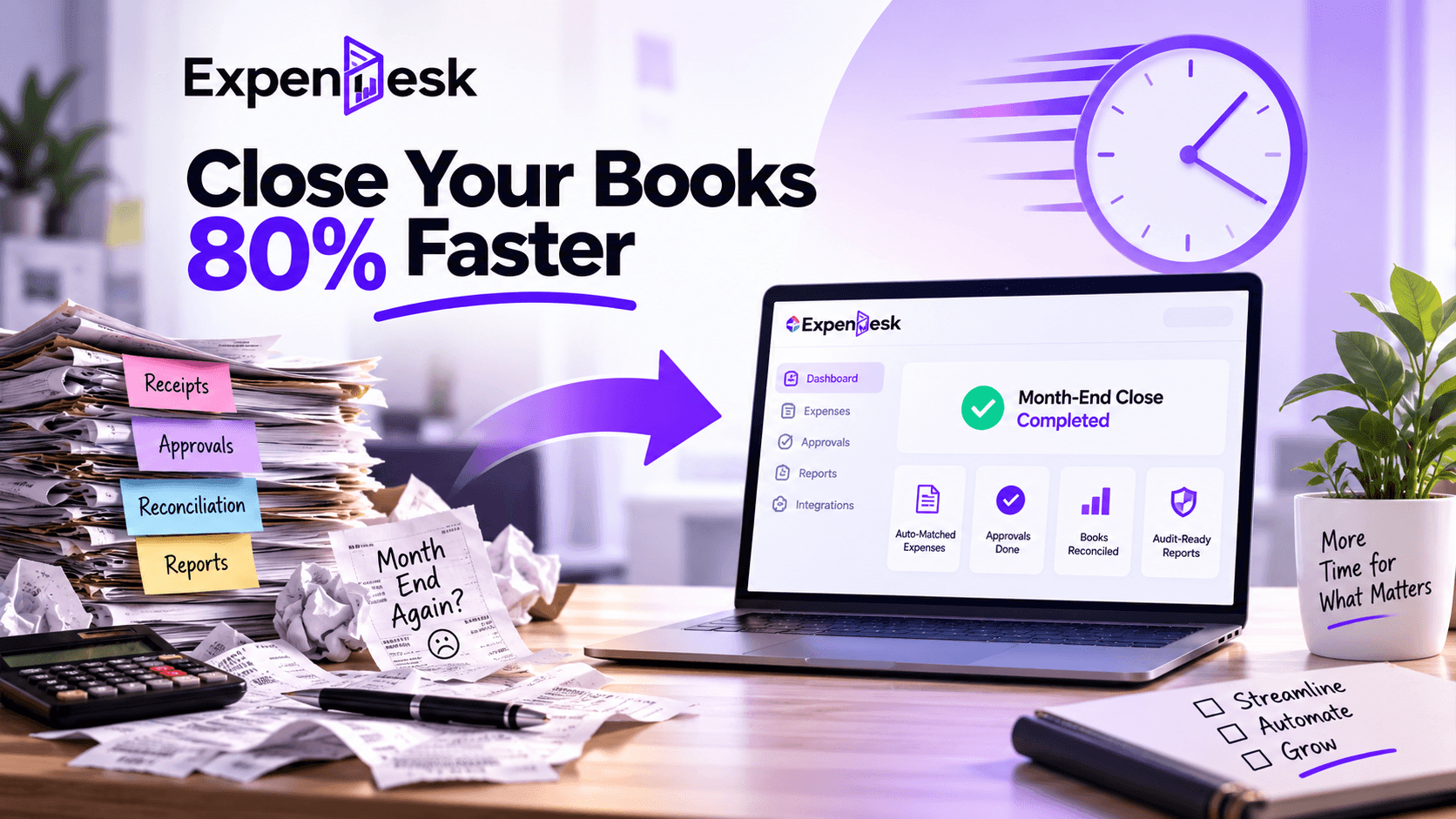
In the case of financial departments, month end is always a very interesting time because of the urgency and hustle around it. Employees try to submit their expense claims, managers have to take care of their approval, while finance people have to waste lots of their time on receipt reconciliation and transaction posting.
Spreadsheet file, email, and receipts are some things that lead to inefficiencies and frustrations during month end closing. The delay in submitting expense claims, duplications, and documentation issues create difficulties for the finance team in closing the accounts.
The good thing about this scenario is the fact that organizations are not constrained by long closure times anymore. Through automation of expense reconciliation, real-time expense tracking, and artificial intelligence-driven workflows, organizations are able to significantly cut their month-end closing time by up to 80%.
This article will discuss how month-end closing becomes challenging and provide a handy checklist for your finance team along with an explanation of how Expendesk streamlines the whole process.
What makes the month-end close process take so long?
The month-end close process is the process where all expenses incurred by the business are compiled, verified, approved, reconciled, and recorded before preparing the financial statements.
Regrettably, a lot of companies are still using manual systems, which results in:
- Late submission of expenses
- Receipts not available
- Manual data entry
- Bottlenecks in approval process
- Spreadsheets mistakes
- Duplicated payments
- Manual reconciliation
Each and every one of the above items causes extra work and increases the chances of mistakes.
As the company grows, it becomes harder and harder to keep using the manual system.
The Cost of a Slow Month End Close

A slow month-end close procedure does not just impact the finance function.
It leads to:
- Delayed financial reporting
- Inaccurate cash flow visibility
- Budgeting delays
- Additional costs in terms of overtime for the finance team
- Legal risks
- Ineffective business decisions
- Lower productivity
The slower the finance department takes to reconcile expenses, the less time the finance managers have to evaluate financial performance and make strategic decisions.
Problems Associated With Expense Reconciliation
Expense reconciliation requires a lot of time to be completed correctly.Some examples of problems that finance personnel face during expense reconciliation include:
- Receipt matching with claims
- Approval review
- Compliance with reimbursement policy guidelines
- Duplicate expense detection
- System update
- Problem-solving
Completing all these tasks manually is very monotonous and consumes much time. This process also involves many errors.
Finance Month-End Checklist to Close Quicker
Having a finance month-end checklist can enable the finance team to close operations faster and more consistently.
Some things your checklist should have are:
- Gather All Expense Claims
Make sure all expense claims have been submitted by your employees before the deadline for reporting.
- Validate Documents
Make sure each expense has all necessary receipts and documents attached.
- Confirm Policy Compliance
Make sure all expenses are in line with the organization’s reimbursement policy.
- Finish Pending Approvals
Make sure that the manager has approved any pending claims.
- Close Expenses
Make sure all expenses are reconciled against your accounting information and payments.
- Generate Financial Reports
Create reimbursement reports, expenditure reports per department, and even management reports.
- Keep Audit Documents
Audit trail of store receipt, approval, and transaction.
The lack of adherence to the checklist for month-end close will make the process tedious and also result in erroneous reporting.
How Automation Helps in Ensuring Month-End Close is Done Faster

Automation ensures that the month-end close process becomes different because less time is spent on manual tasks.
Using an automated AI-driven expense management system, the following processes can be performed:
- Receipts will be gathered automatically
- Expenses will be categorized
- Policies will be validated
- Approvals will be routed
- Duplicates will be detected
- Accounts will be synchronized
- Reports will be generated
By using automated and verified data, finance teams do not have to reconcile hundreds of transactions manually.
In such a way, organizations achieve a faster month-end close as well as reduce costs.
Why Real-Time Expense Tracking Brings New Possibilities
Classical expense management allows seeing expenses after their processing.
New expense management systems allow finance leaders having a real-time spend dashboard and monitor organization expenses during the month.
Organizations can see:
- Spending of departments
- Spending of employees
- Pending reimbursements
- Budget usage
- Categories of expenses
- Approvals status
These measures reduce any surprises that arise during the month-end closing process and aid in financial planning.
Audit-Ready Reports Without the Last-Minute Frenzy
Audits are another issue to tackle when month-end arrives.
Finance teams usually waste countless hours in preparing receipts, approvals, and transaction history.
Automation creates audit-ready reports by automatically tracking:
- Digital receipts
- Approval history
- Policy validation
- User activity log
- Expense category
- Timestamp
These reports make sure that an organization is always ready for audits at any given time.
Best Practices to Cut Down on Month End Close Time
For companies that want to cut down on month-end close time, these best practices can be followed:
- Digitizing expense reporting
- Automating expense approvals
- Standardization of expense policies
- AI-driven expense reconciliation
- Expense tracking all the time
- Real-time spend reporting dashboard
- Automatic audit-ready reports generation
- Expense data integration in accounting systems
- Following the finance month end close checklist
These best practices will help in faster month-end close times for finance teams.
How Expendesk Accelerates Month-End Closing for Financial Teams
Expendesk is an automated expense and reimbursement software powered by artificial intelligence that streamlines the entire month-end close process.
In place of spreadsheets and manual reconciliations, Expendesk automates expense management, making month-end closing up to 83% faster for financial teams.
- Automatic Expense Processing
Employees submit their expense claims instantly via mobile devices, whereas the AI technology automatically identifies and processes the receipt information using OCR.
This saves the effort of manual entry and guarantees that the entered information is accurate.
- Approval Workflow Automation
Expenses are automatically routed to managers according to the rules created.
This ensures that there won’t be any approval delays.
- Real-Time Spending Dashboard
With Expendesk, finance managers now have access to a dashboard that allows them to see all spending activities within the company at any time during the month.
This way, it is not necessary to wait till the end of the month to monitor expenses; this can be done in real time.
- On-Demand Audit-Ready Reports
Generate on-demand audit-ready reports using Expendesk, complete with supporting documentation.
There will be no last-minute scrambling before an audit.
- Accounting System Integration
Integrate with the leading accounting and ERP systems by automatically syncing all approved expenses through Expendesk.
This way, businesses can save time on month-end closing processes and increase financial accuracy.
- Insights from AI
Real-time financial data analysis will enable the finance team to understand any expenditure trends and give budget optimization and forecasts insights.
Why Opt for Expendesk?
Scaling companies require not only expense tracking but a smarter platform for finance operations.
With Expendesk’s use of advanced automation driven by AI, its ability to reconcile expenses, create flexible workflows, spend dashboards, and reports ready for audits, you get the best solution for finance ops management.
Automation helps financial teams save their time, prevent errors, improve compliance, and speed up the month-end close process.
Month-end closing shouldn’t be complicated and take much of your time. The manual management of expenses will just complicate everything, increasing the burden on your team and limiting financial reporting capabilities.
By leveraging automation of expense reconciliation, applying a structured checklist of finance month-end activities, utilizing real-time spend dashboards, and creating audit-ready reports, businesses can accelerate month-end closing and improve financial data.
Expendesk is able to automate expense capturing, workflow management, reconciliation, and accelerate the month-end close by up to 83%. This means that you don’t have to waste your time on searching for receipts and reconciliation of spreadsheets anymore.
Ready to Close Your Month-End Books Faster?
Are you tired of spending days on reconciling month-end books? Then you need to consider a new way of doing things. Schedule a demo session with Expendesk to discover how artificial intelligence-driven expense automation, live spending visibility, and instant audit reporting can enable your organization to close its books 83% faster.